
Carb calculator for Android
How many carbs are in your portion?
Scan a barcode or nutrition label, type how much you’re eating, and see the carbs in that portion. It also works for dishes you cook and foods you’ve saved.
- No account
- No ads
- Works offline for foods you’ve used
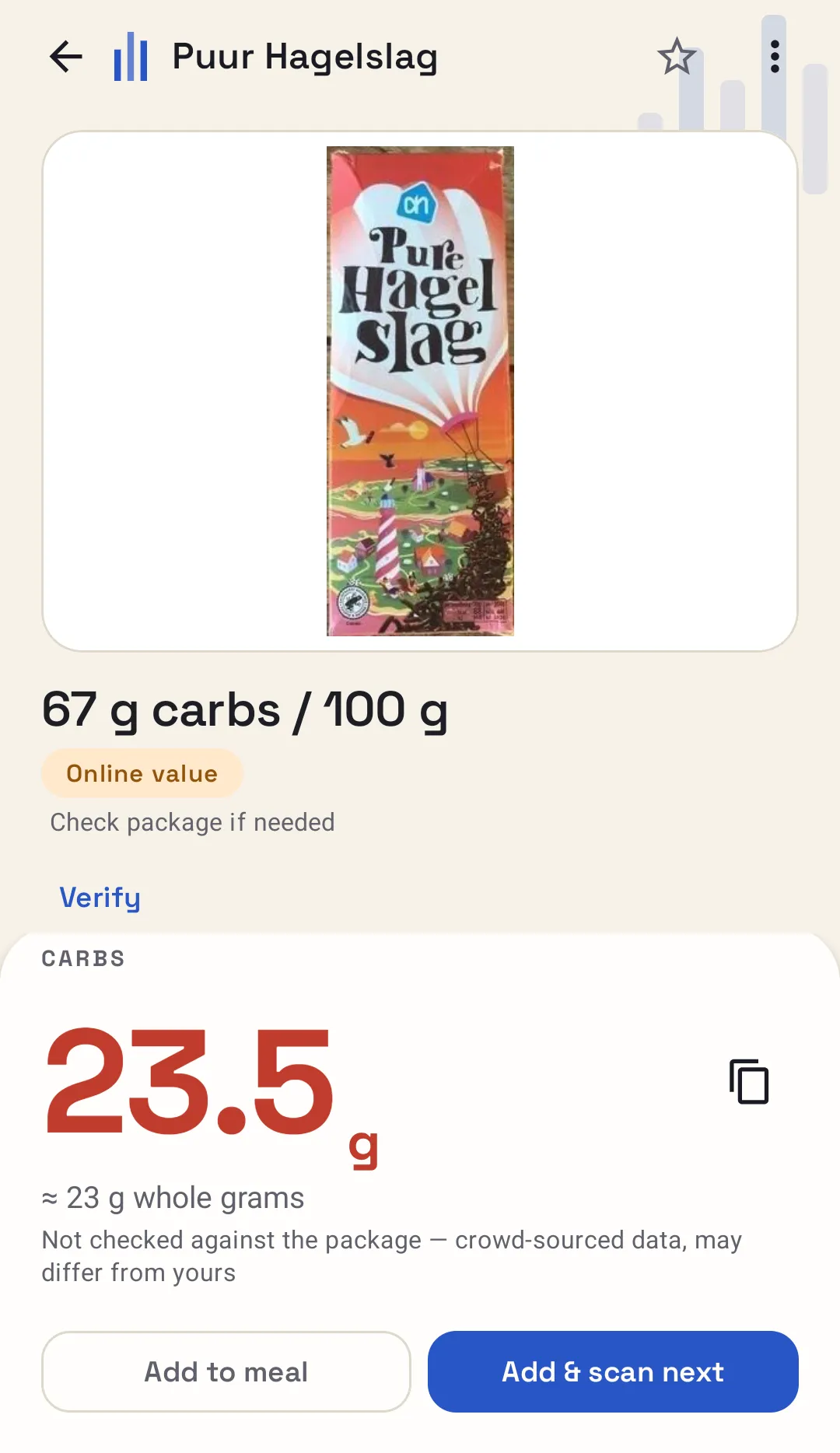
Fig. 1A 35 g portion: 23.5 g carbs.
Try it here
Carbs for the portion on your plate
Enter the carbs per 100 g from the packet and how much you’re having. The answer updates as you type.
Unit on the label
The number on the “carbohydrate” line of the label.
The weight you’re actually eating.
Carbs
31.3g
≈ 31 g whole grams
12.5 × 250 ÷ 100 = 31.25 g
Calculated from the values you entered. Check them against the packaging.
Calculated from the values you entered. Check them against the packaging.
Checking a lot of foods? The app looks up the carbs from the barcode, so all you type is the portion.
Open the full calculatorThe packet says 100 g. You’re eating 35.
Nutrition labels are written per 100 g, but nobody eats exactly that. Pick the product, type your portion, and the app works out the carbs for you.
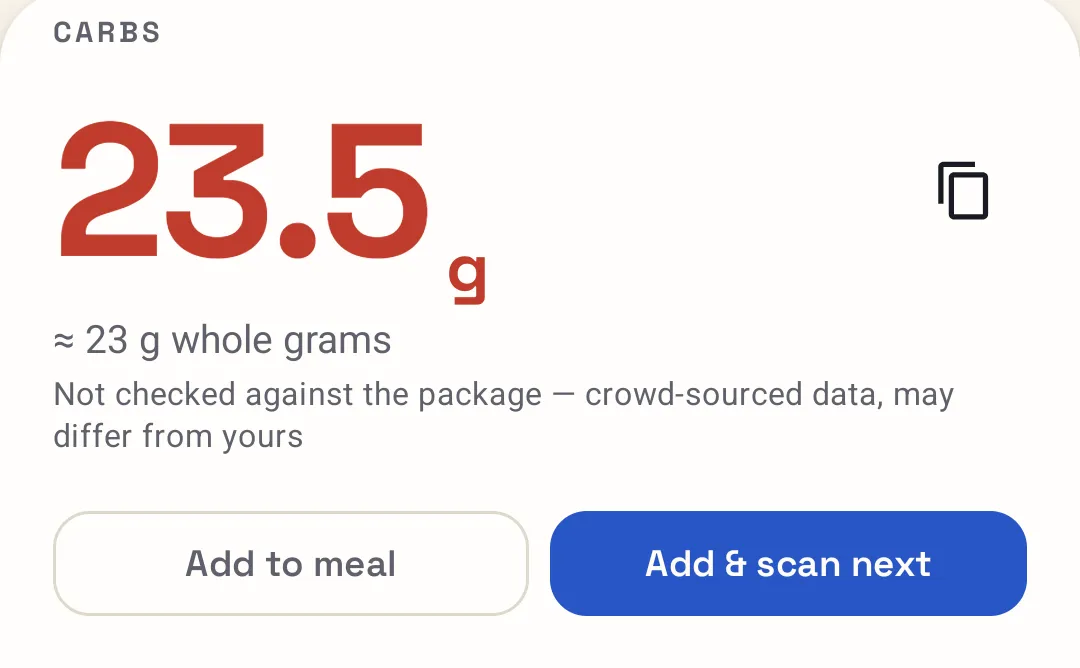
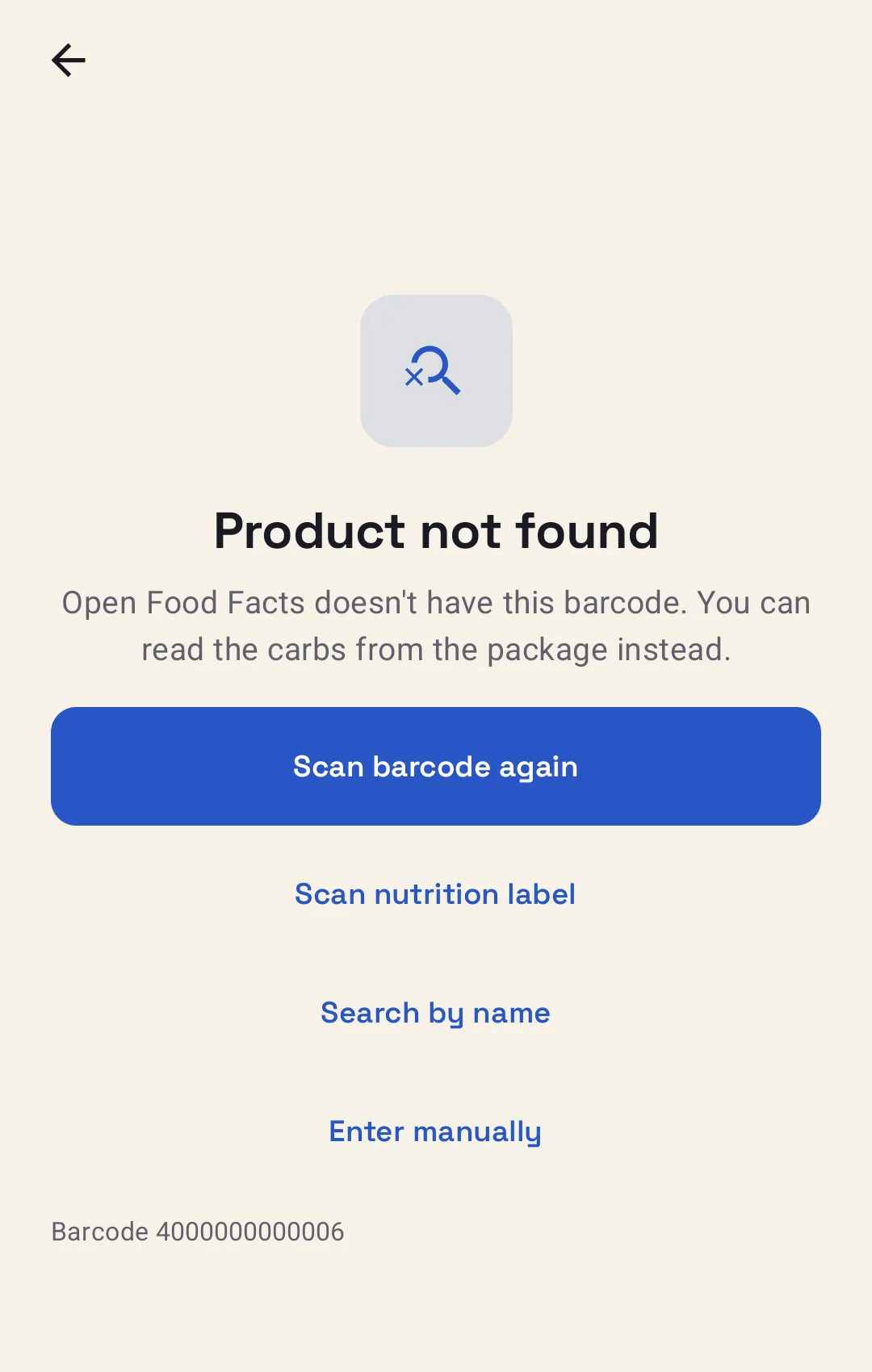
The barcode isn’t found.
Scan the nutrition label instead, check what the app read, and save the food so it’s there next time.
Your usual lunch.
Add the ingredients to a dish once, divide it into portions, and reuse it whenever you make it.
Five ways to find food.
Barcodes are quickest, but they’re not the only way in. Whichever you use, you land on the same result screen.
Scan a barcode
Quickest for packaged food. Point the camera at the barcode and the product loads.
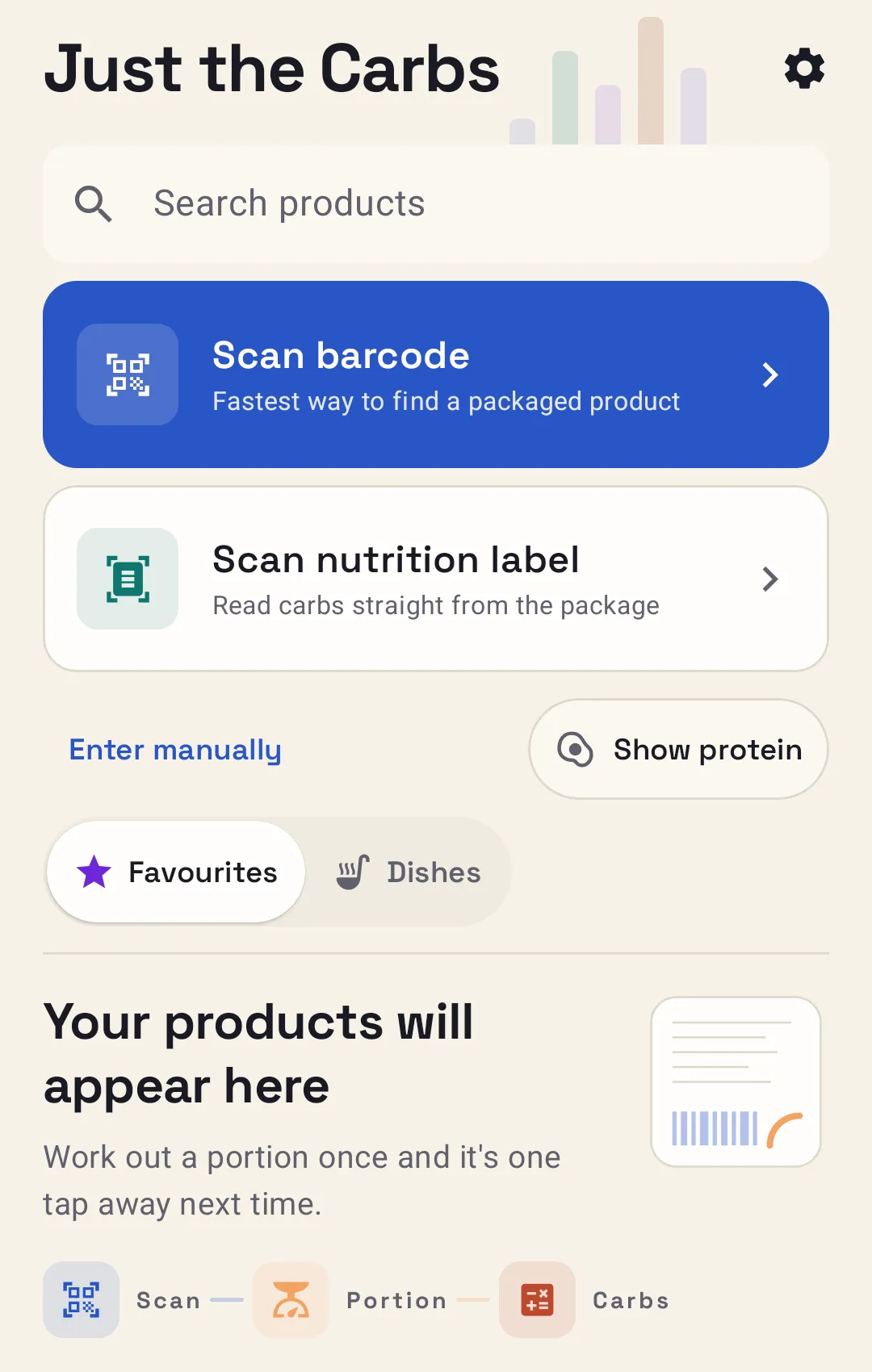
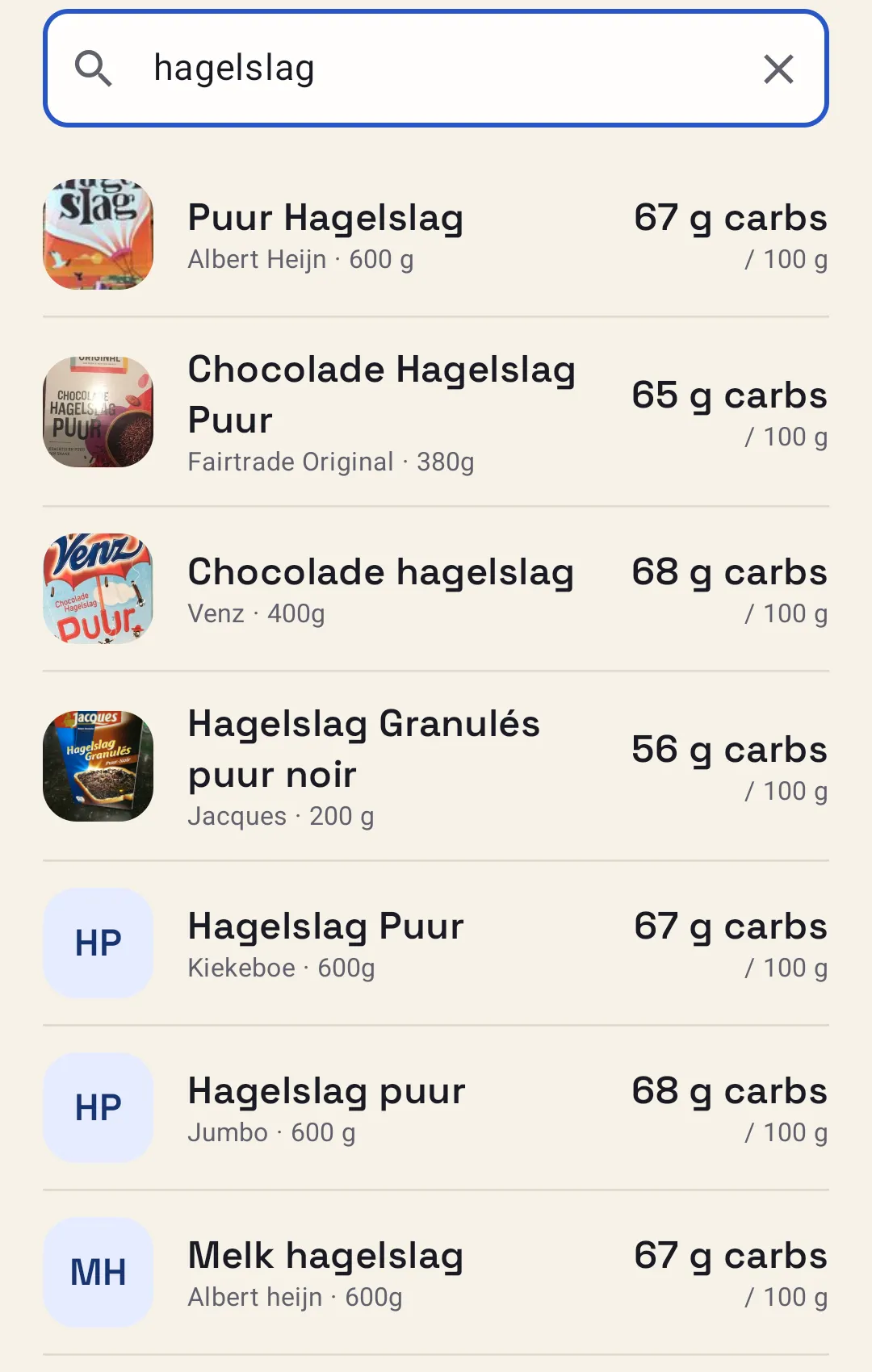
Search by name or brand
No barcode to hand? Type what it is and choose from the results.
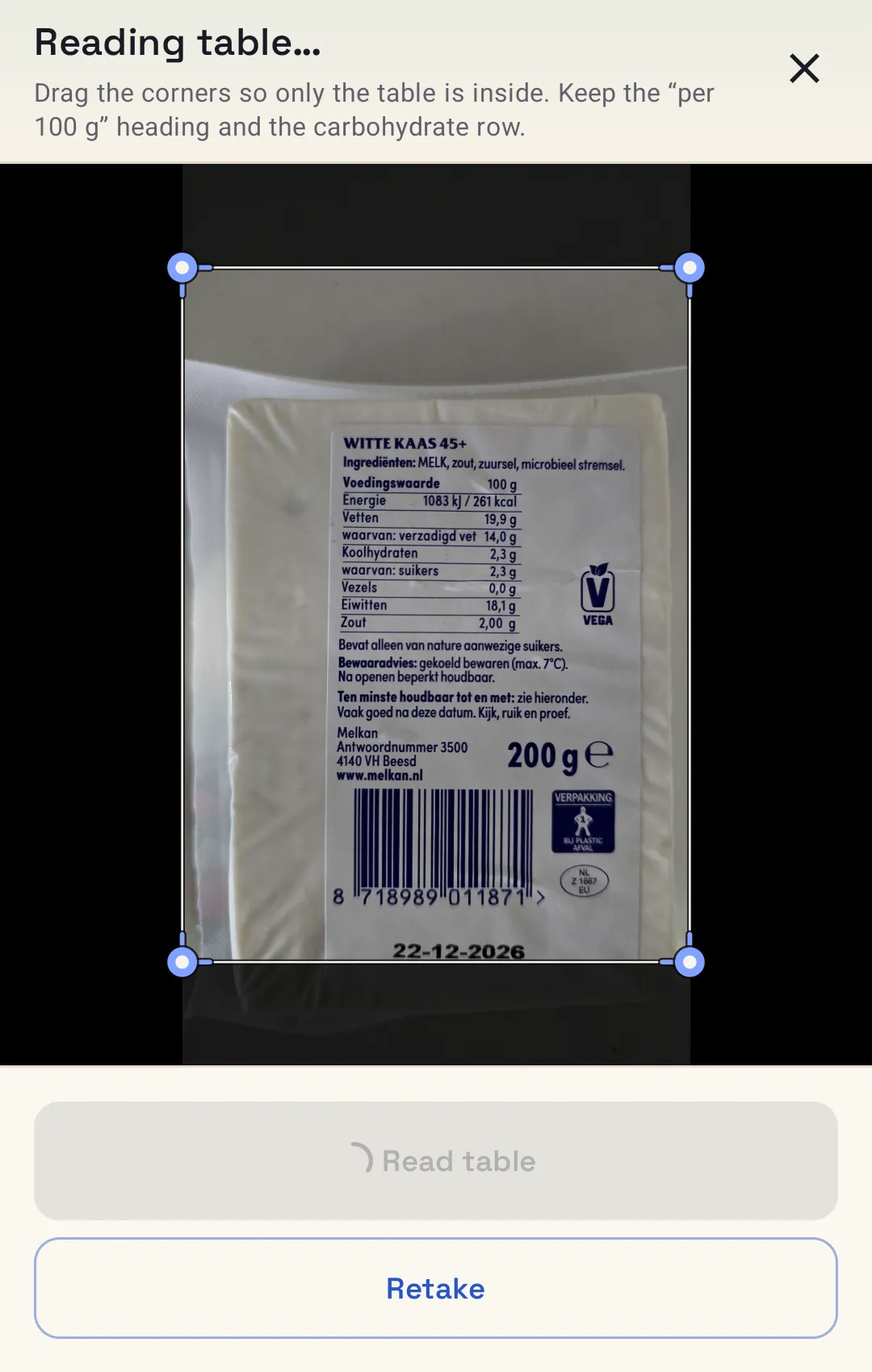
Scan the nutrition label
If a barcode isn’t found, the app can read the nutrition table straight from the packet.
Use a photo you already have
Read a barcode or a label from a picture, or share one from another app.
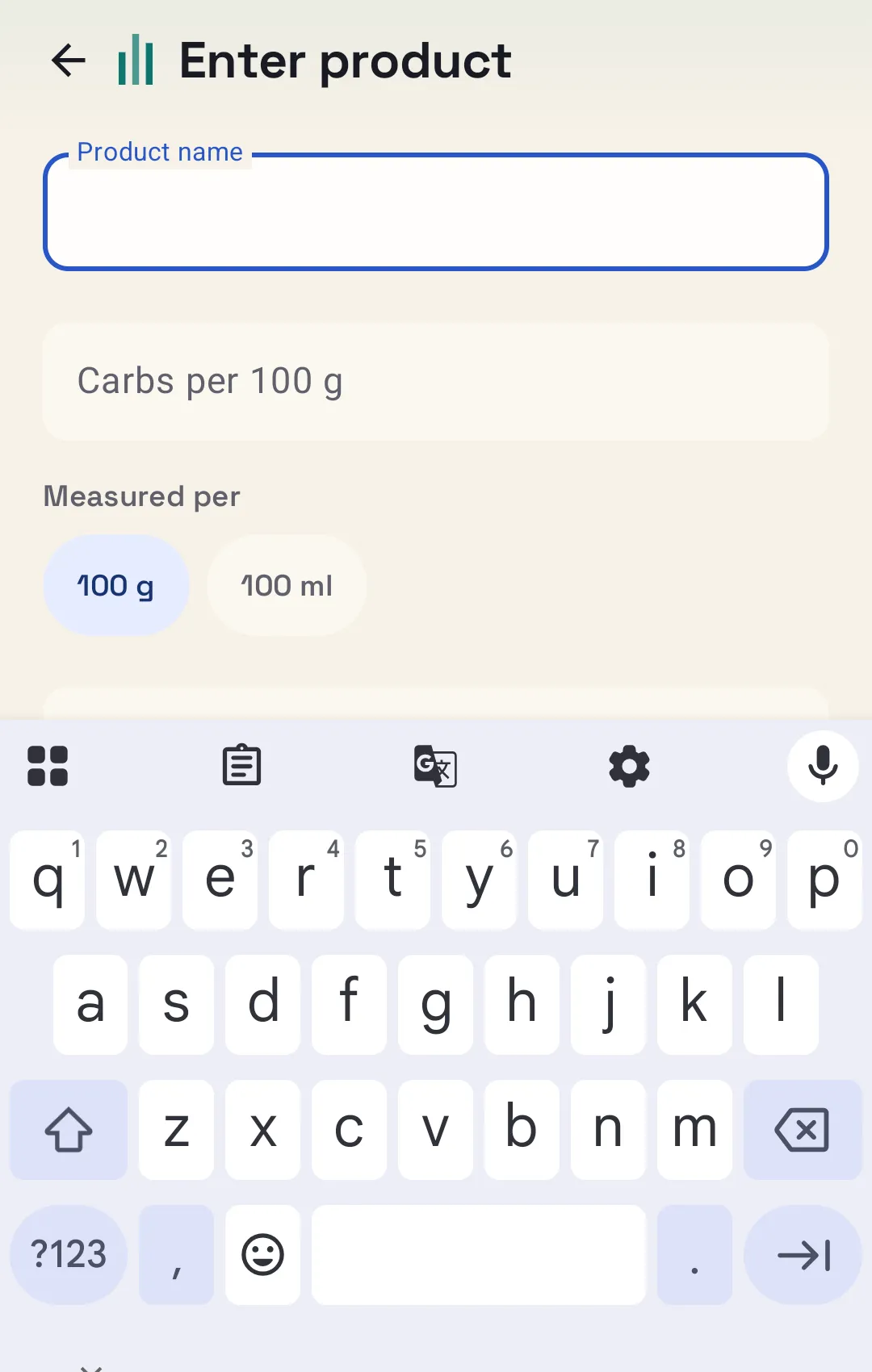
Type it in
Type in a barcode, or the carbs per 100 g yourself, when nothing else works.
How it adds up
Your portion, not 100 g.
Puur Hagelslag, a Dutch chocolate sprinkle, has 67 g of carbs per 100 g. Eat 35 g of it and this is what you get.
The exact figure is 23.45 g, shown rounded. If you prefer whole grams, that’s about 23.
Dishes and saved foods
Homemade? Add it up once.
Add the ingredients once, then split the dish into equal portions or weigh the finished result. Save it, and next time all you choose is your portion.
If a product’s value looks off, check it against the packet and save your own.
A dish, summed
Example| Ingredient | Per 100 g | Weight | Carbs |
|---|---|---|---|
| Flour | 76 | 200 g | 152.0 g |
| Sugar | 100 | 50 g | 50.0 g |
| Milk | 4.8 | 300 g | 14.4 g |
Illustrative numbers, not a recipe or food data.
How the numbers work
Short, sourced guides with worked examples.
How to calculate carbs from a food label
Find the total carbohydrate line, check what amount the number describes, and work out the carbs in your own portion, with worked examples.
Carbs per 100 g vs per serving
What the two label columns mean, where each convention comes from, how to convert between them, and the mistakes that throw the sum out.
How to calculate carbs in homemade meals
Add up the carbs in each ingredient, then share the total by equal portions or by weighing the finished dish. A worked example and the limits.
Try it on whatever’s in the cupboard.

Android · No account · No ads