
Just the Carbs for Android
Scan the packet. Get the carbs for your portion.
Point your phone at the packet, type how much you’re having, and the app does the sum. No account, no ads.

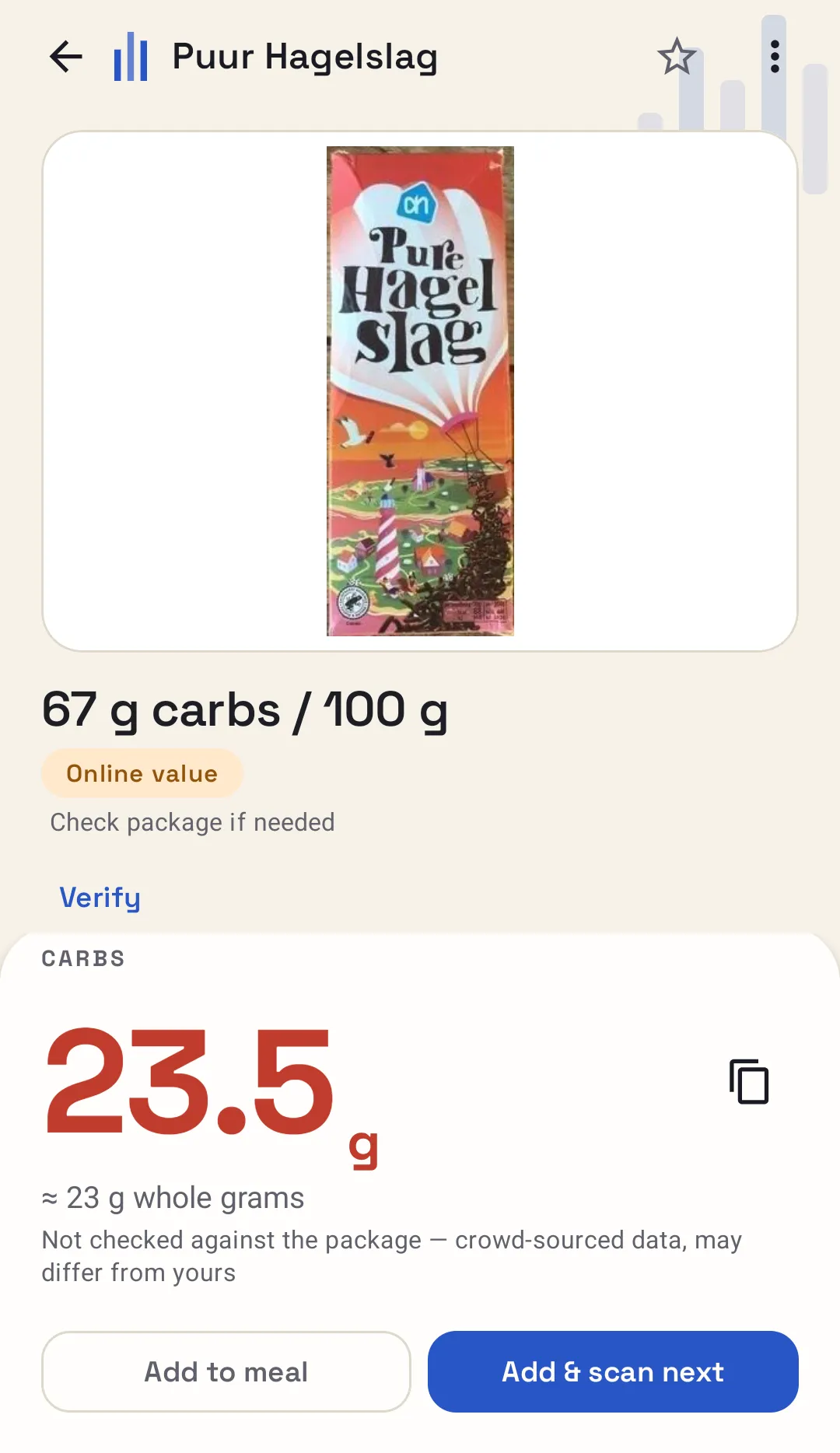
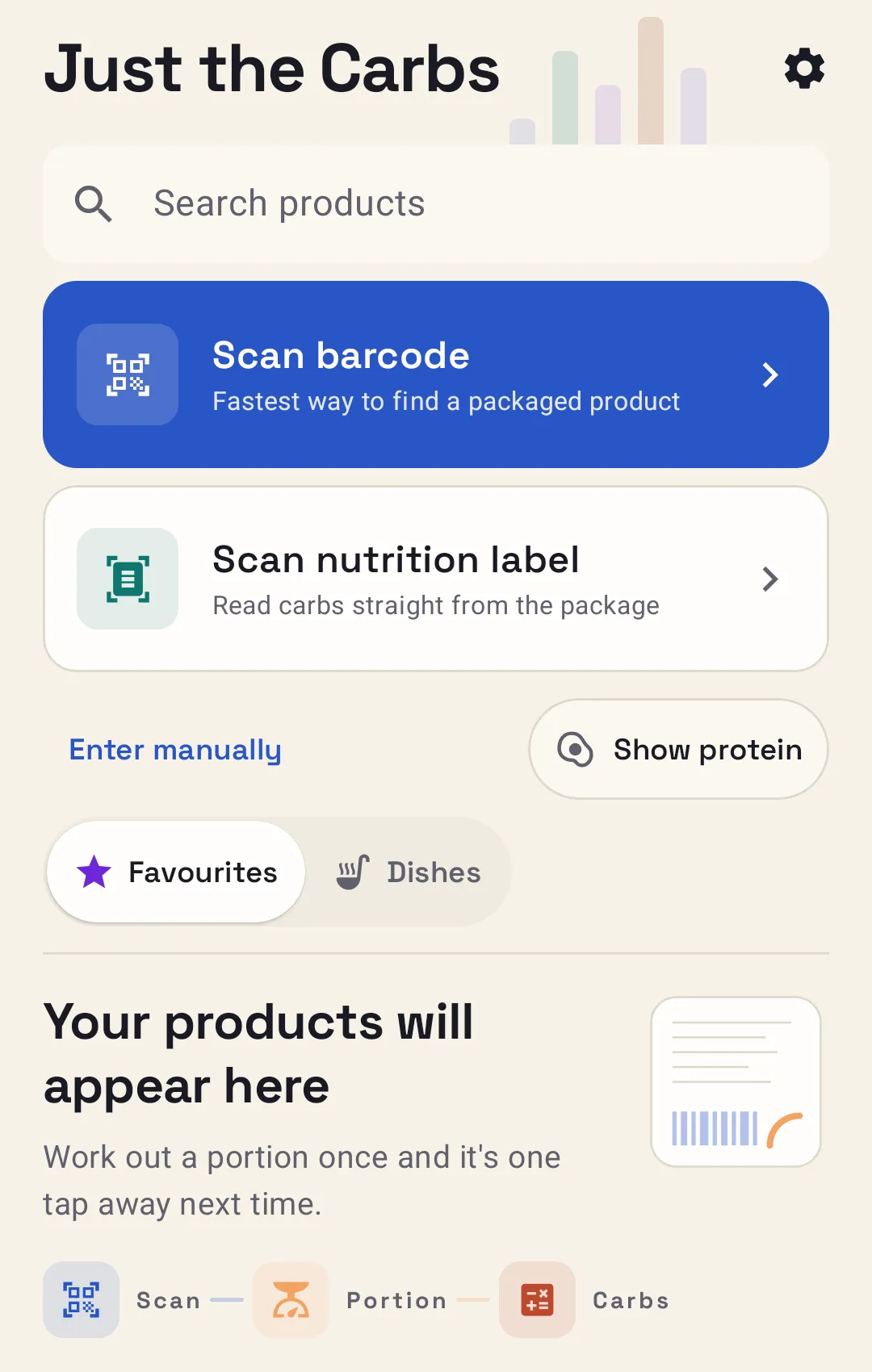
Get the food in front of the app however you can.
Scan the barcode and the product loads. No barcode, or no luck? Search by name or brand, or scan the nutrition label. You can also read a barcode or label from a photo, or share one in from another app.
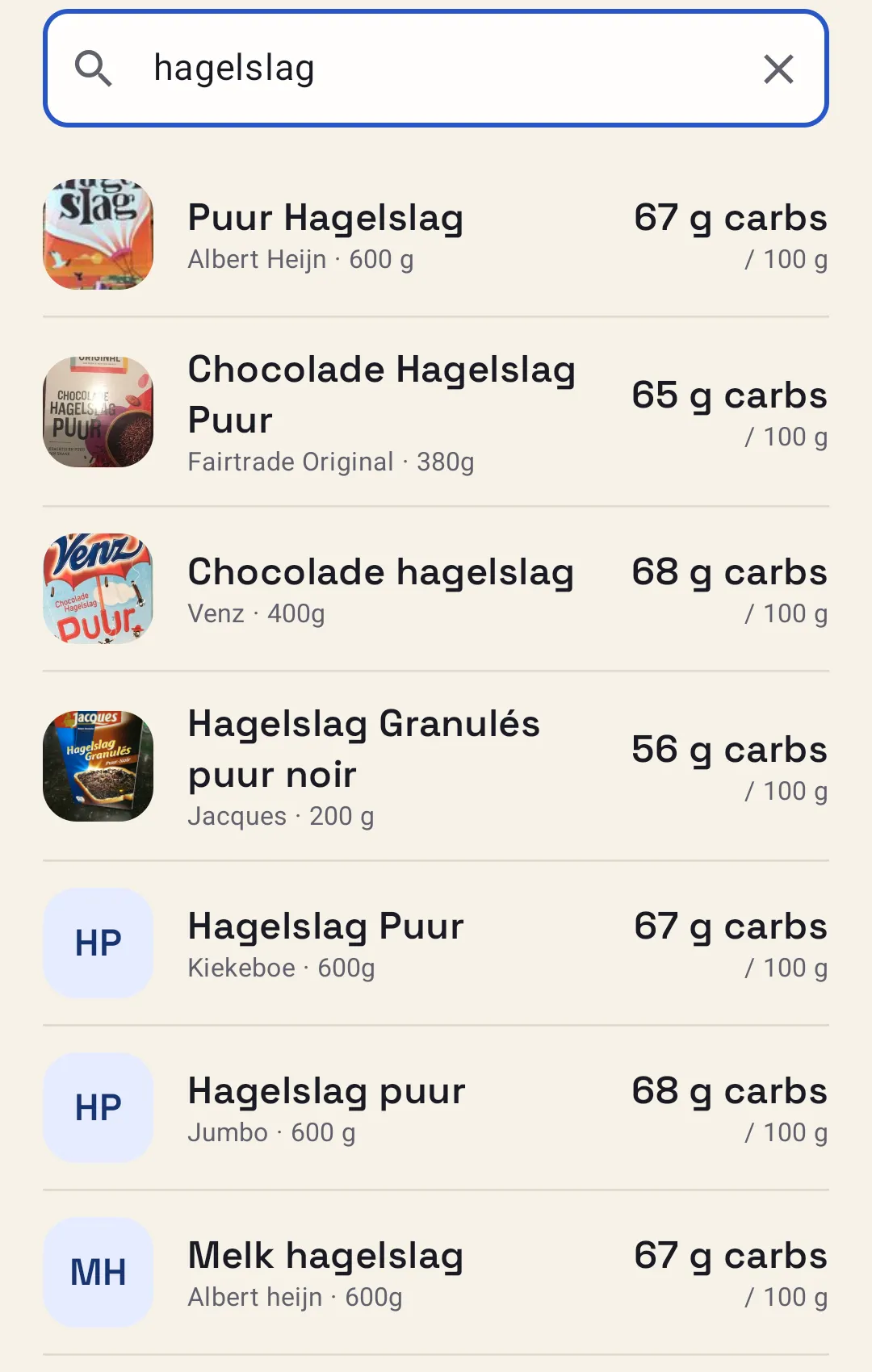
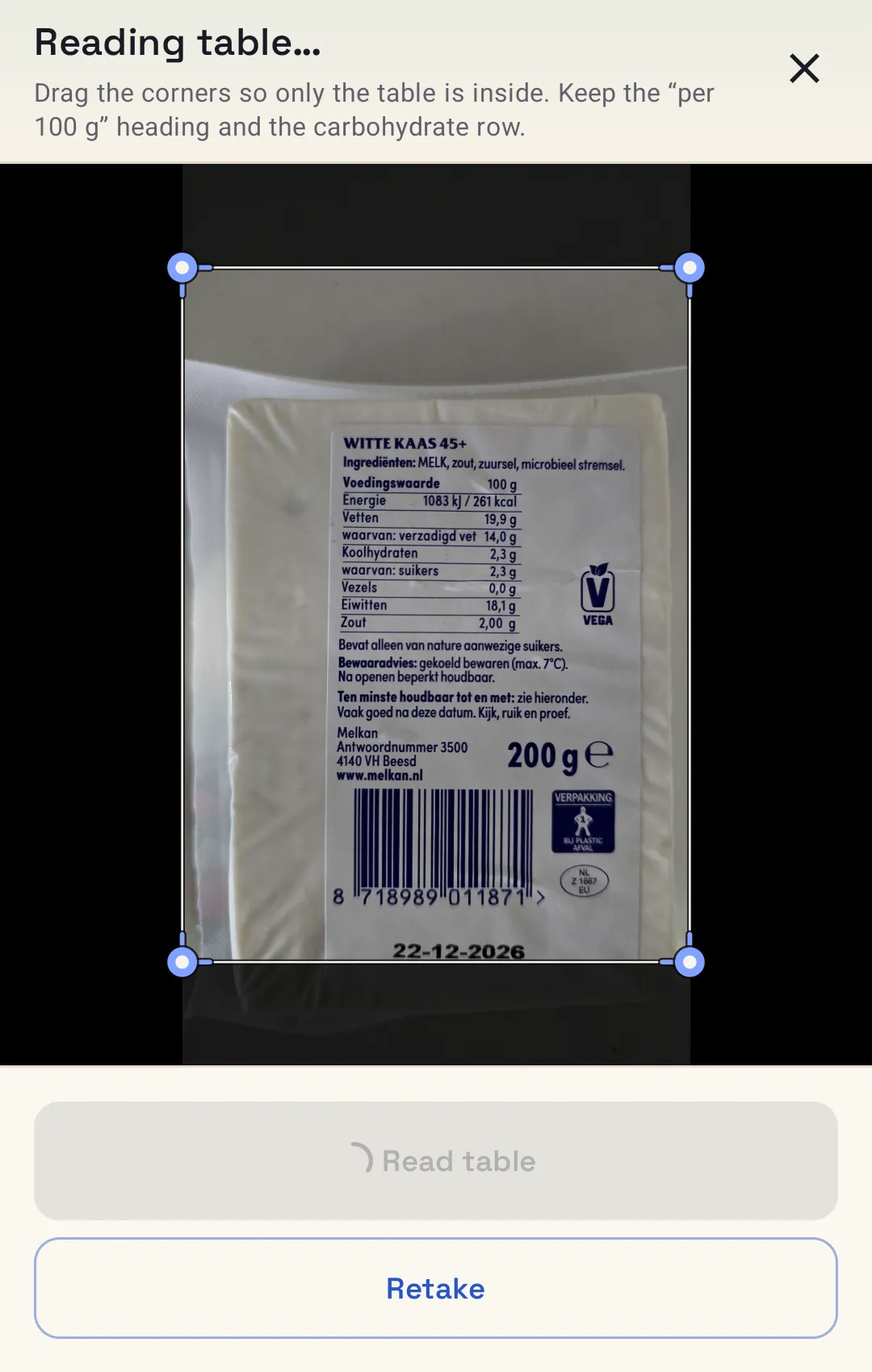
Product data comes from Open Food Facts. It can be missing or out of date, so check it against the packet. You can correct a value and save your own.
Portion calculation
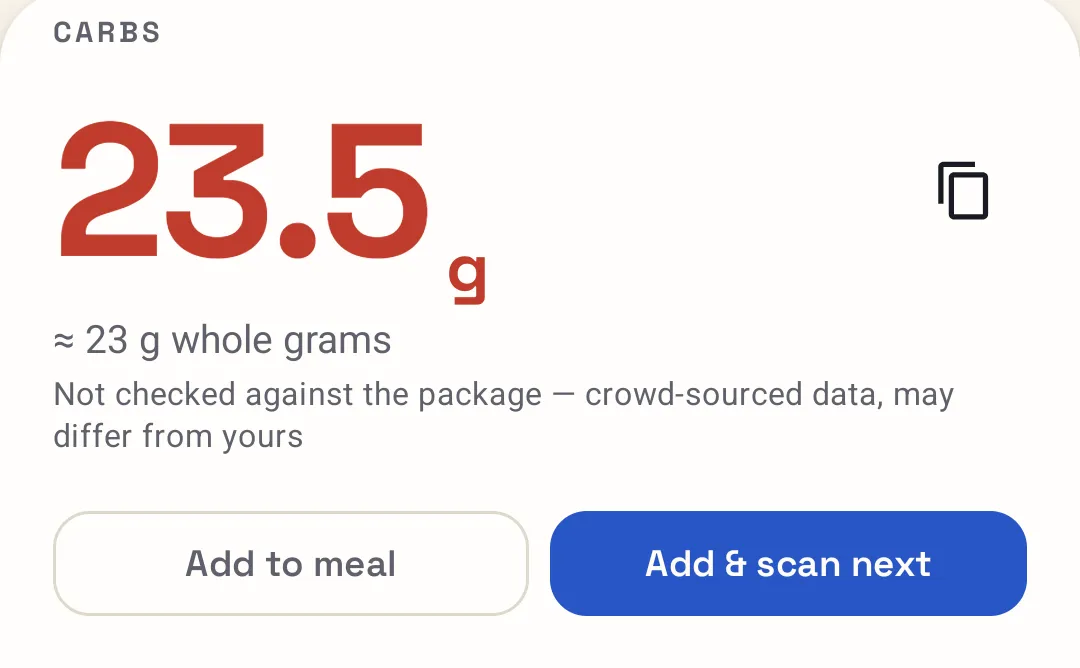
Enter what you’re eating. Read the answer.
The result leads with one decimal place, with whole grams beneath it. Portions can be in grams or millilitres, and for some foods in slices or pieces.
Homemade dishes
Cooked a big pot? Add it up once.
Add the ingredients, then split the dish into equal portions or weigh the finished result and take your share. Save it, and next time all you choose is the portion.
Soup, four equal portions
Example| Ingredient | Per 100 g | Weight | Carbs |
|---|---|---|---|
| Potatoes | 16 | 500 g | 80.0 g |
| Carrots | 7 | 200 g | 14.0 g |
| Lentils | 20 | 100 g | 20.0 g |
Illustrative numbers, not a recipe or food data.
Saved foods and offline use
The foods you eat often are already there.
Favourites and saved foods
Mark a product as a favourite, or save a food or dish of your own, and it’s one tap away. No scanning it again, and no retyping the label.
- Usual breakfast cerealper 100 g
- Oat drinkper 100 ml
- Saturday soupper portion
Examples of the kinds of food people save. Not data.
Offline, for what you’ve used
Foods you’ve looked up before, and your saved dishes and portions, work offline. Looking up something new needs a connection.
Been in a shop with no signal? Foods you’ve used before still calculate.
Adding up a plate? Keep a running total.
Add each food to the meal and the app keeps one total while you work. It’s a temporary tally: no names, no diary and no history. Clear it and start again.
MealExample
- Bread, 60 g27.0 g
- Chocolate sprinkles, 20 g13.4 g
- Milk, 250 ml12.0 g
Total carbs52.4 g
Illustrative numbers, not food data.
Protein is there if you want it.
Switch protein on and the app shows it beside the carbs for a food. The figure comes from Open Food Facts product data, and carbs always stay the main answer.
It isn’t read from label scans, and it isn’t added up across a meal.
The free web calculator has its own Show protein switch. There you type the protein per 100 yourself.
Get it on Google Play.
- 1Open Google Play on your Android phone.
- 2Install Just the Carbs.
- 3Scan something in your cupboard and enter your portion.
 Open the Google Play listing
Android · No account · No ads
It doesn’t calculate insulin, and it isn’t a diet tracker. Check product values against the packaging.